
What Is Kling 3.0? Kuaishou's 1080p AI Video Model
Kling 3.0 is Kuaishou's 1080p AI video model, with lifelike motion and both text-to-video and image-to-video. Here's what it does and how to use it.
WearAI Team
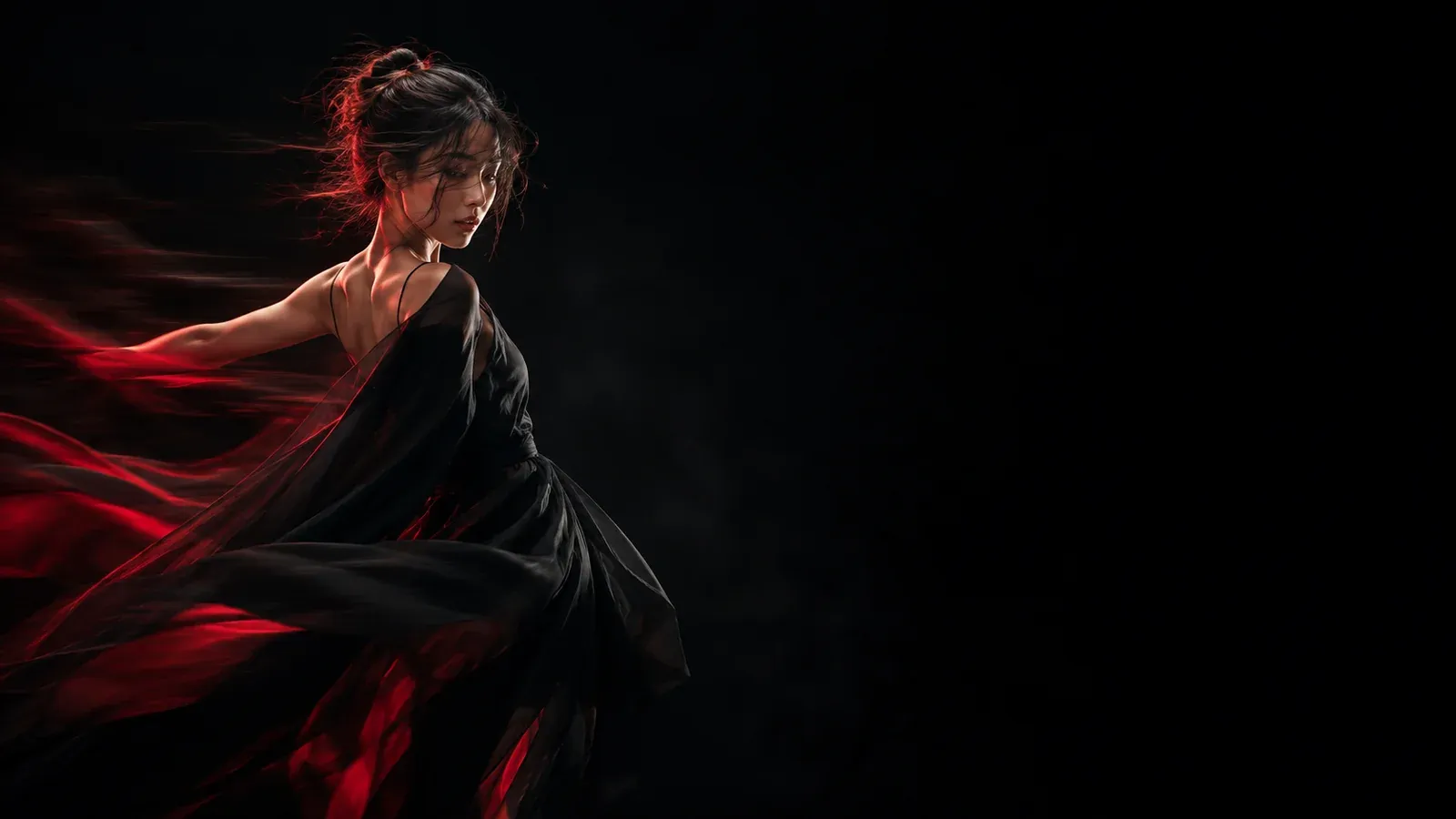
What Is Kling 3.0?
Kling 3.0 is an AI video generation model built by Kuaishou (the company behind the Kuaishou short-video app, known in Chinese as 可灵). It turns a text prompt or a still image into short, high-resolution video clips — up to 1080p — with a focus on lifelike motion and controlled camera work.
If you've seen AI video that looks jittery or "melty," Kling 3.0 is aimed at the opposite: movement and physics that hold together across the shot, and camera moves that feel directed rather than random. It's the latest release in the Kling family, which also includes Kling 2.1, Kling 2.6, and Kling Master.
What Kling 3.0 Does
Kling 3.0 supports two generation modes and a handful of core capabilities:
- 1080p output — sharp video that's ready for social feeds and campaigns.
- Text to video — describe a scene and generate a clip from words alone.
- Image to video — start from a product shot or still image and bring it to life with motion.
- Cinematic camera work — smooth, directed movement (pans, pushes, reveals) instead of random drift.
- Short clips — generations run roughly 5–10 seconds.
It's especially suited to fashion reels, product videos for listings, and lifestyle or UGC-style clips — the kind of feed-ready motion that brands and creators need without a full production shoot.
Who Makes Kling 3.0?
Kling 3.0 is developed by Kuaishou, one of China's largest short-video and live-streaming platforms. Kling is Kuaishou's line of AI video models, and 3.0 is its most recent generation, following Kling 2.1 and 2.6.
How to Use Kling 3.0 on WearAI
You can generate with Kling 3.0 directly in the browser on WearAI — free to try, no install:
- Open the Kling 3.0 generator and choose a mode: text to video or image to video.
- Write your prompt (or drop an image) and set the aspect ratio.
- Click generate, preview the variations, and download — every result saves to your library.
Prefer to pick a different model or compare options first? Browse the full video generators or the complete model catalog.
Kling 3.0 FAQ
What is Kling 3.0? Kling 3.0 is Kuaishou's latest AI video model. It generates video from a text prompt or an image, with lifelike motion and controlled camera work.
What resolution does Kling 3.0 output? Up to 1080p.
Can Kling 3.0 turn a photo into a video? Yes — use image-to-video mode: drop the photo, add motion direction, and generate a clip.
Is Kling 3.0 free to try? Yes — you can start generating with Kling 3.0 for free on WearAI.
Try Kling 3.0
Ready to make your first clip? Start creating with Kling 3.0 free →
Related: Kling 3.0 generator · All video generators · Model catalog