
Text to image
Describe the shot, subject, styling, and setting in a prompt.
Google · Google Imagen 4 Default
Create fashion, product, and lifestyle image content with Google Imagen 4 Default. This page keeps the workspace locked to the selected model and exposes only the capabilities reported by the live model catalog.
Create with Google Imagen 4 DefaultDescribe the shot, subject, styling, and setting in a prompt.
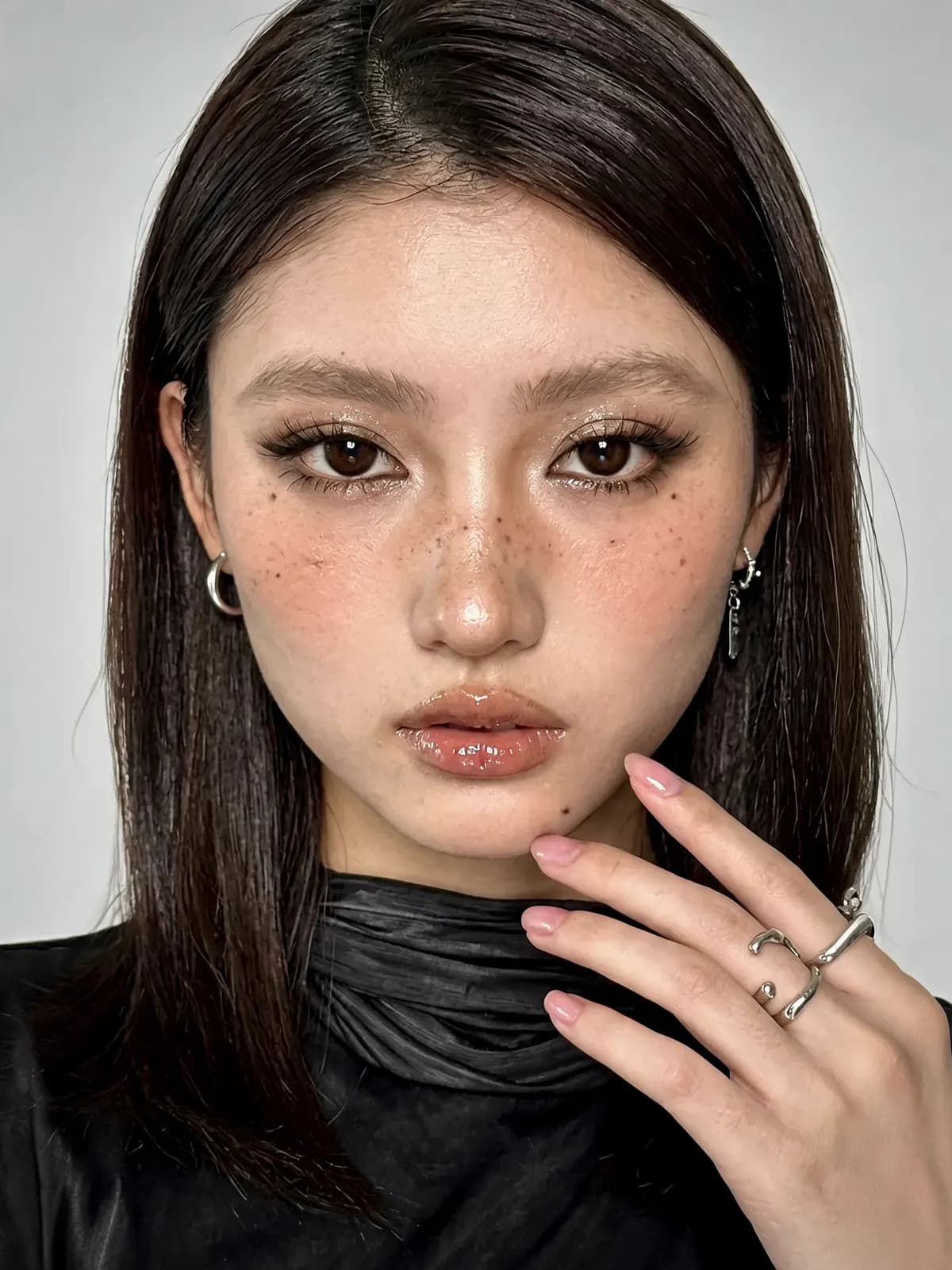
Editorial fashion portrait with sculptural tailoring, soft studio light, clean neutral backdrop
Try this prompt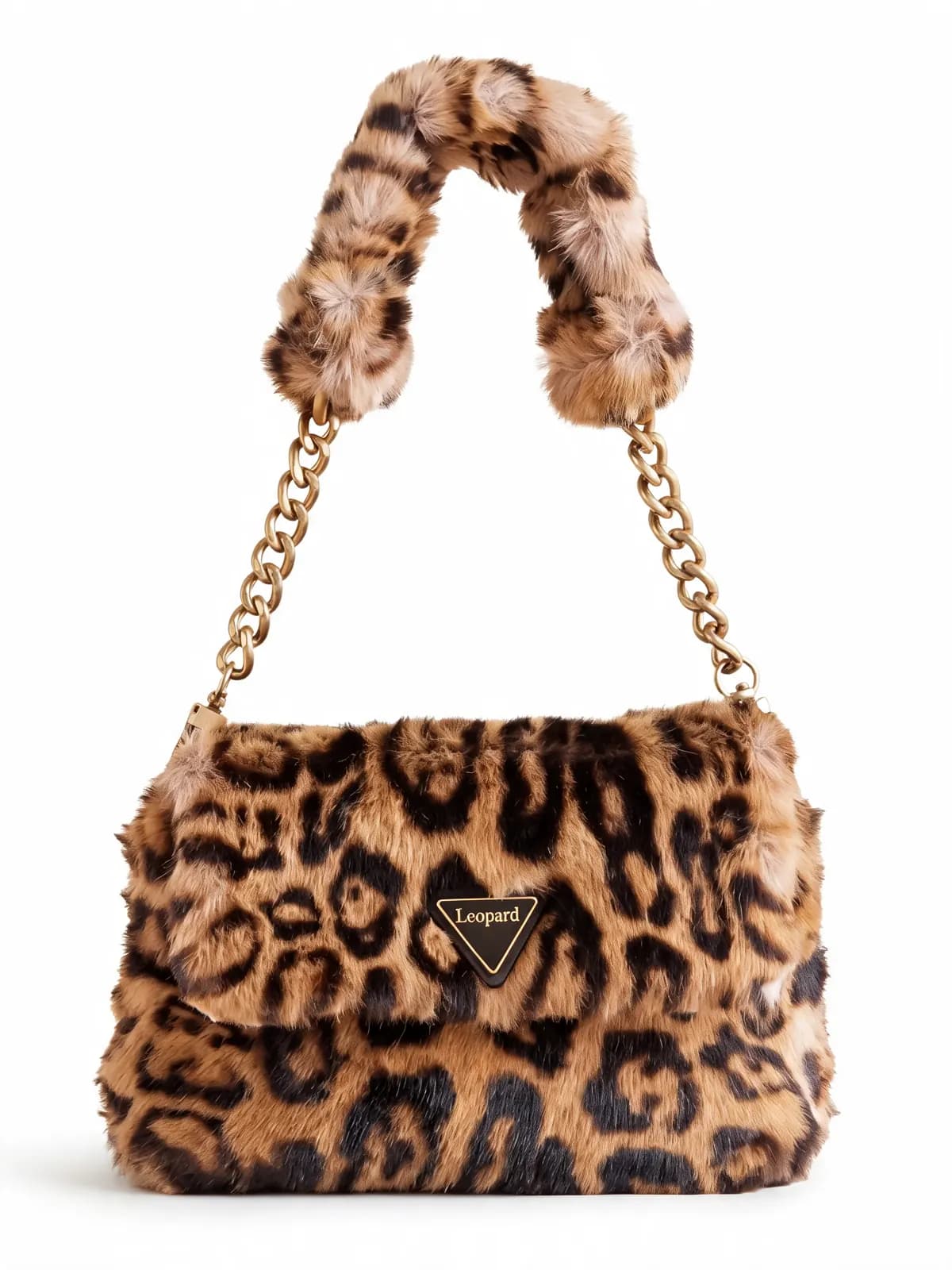
Luxury skincare product photograph on polished stone, warm rim light, premium campaign styling
Try this prompt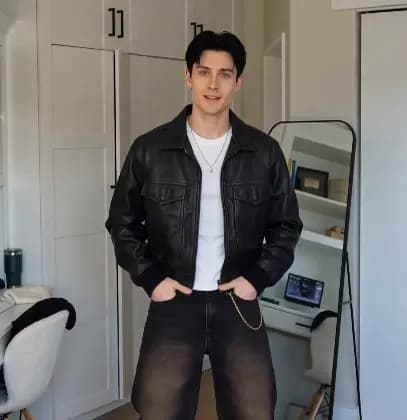
Inclusive lifestyle campaign with natural expressions, daylight studio, contemporary wardrobe
Try this prompt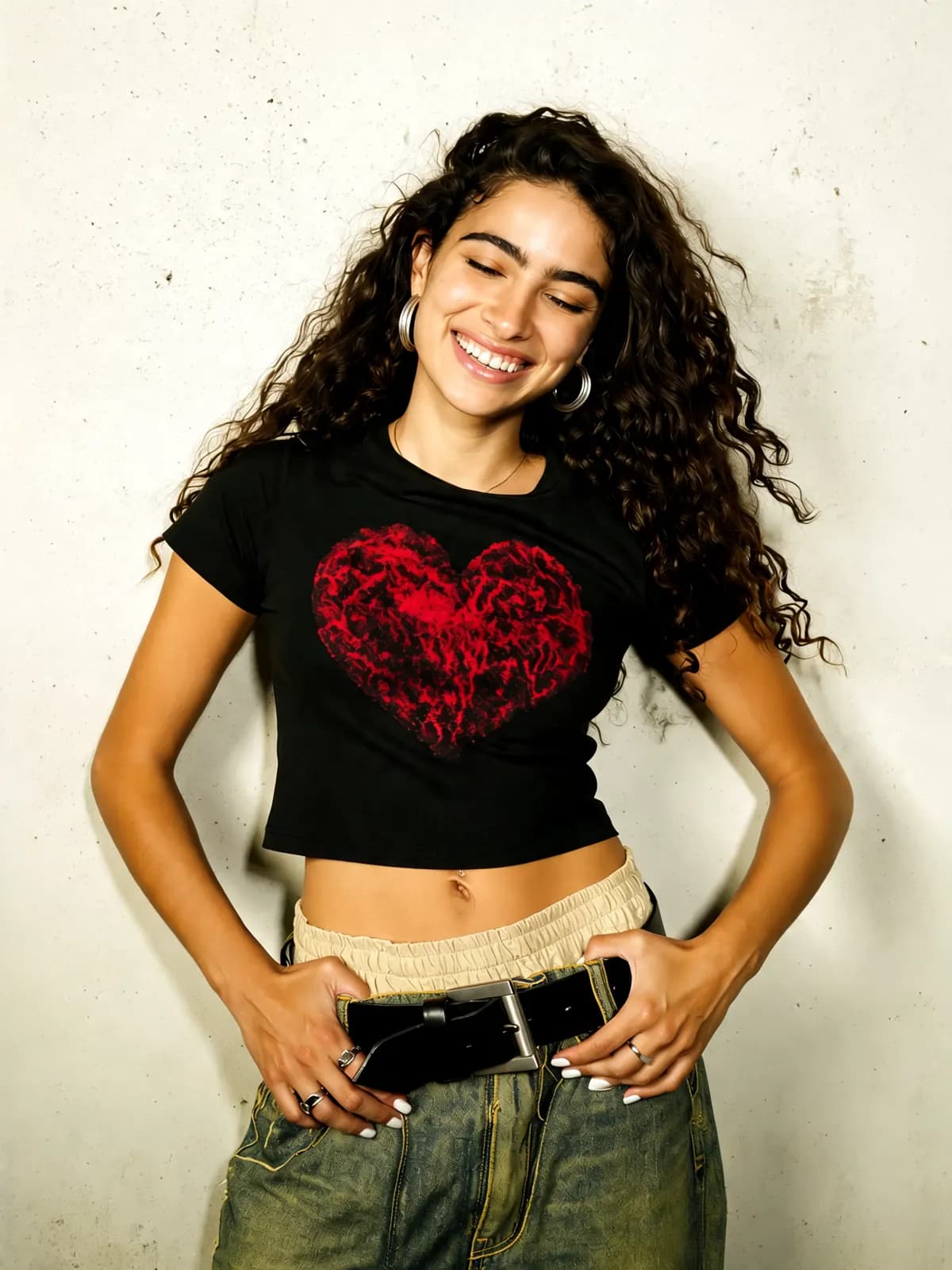
Full-body fashion lookbook, minimal set, directional lighting, refined editorial composition
Try this promptGoogle Imagen 4 Default is currently the only active entry in its model family. Explore other live image models below.
The model is locked on this URL, so the brief stays attached to Google Imagen 4 Default.
Use one of the live Google Imagen 4 Default modes: text to image.
Review the result, iterate on the brief, and keep completed assets in your library.
Develop lookbook, launch, and editorial concepts with Google Imagen 4 Default.
Create product-focused image assets for storefronts and marketplaces.
Produce social and campaign concepts around a clear lifestyle brief.
Test variations in the same Google Imagen 4 Default workspace before choosing a direction.
The workspace follows the active catalog capabilities for Google Imagen 4 Default: text to image.
Google Imagen 4 Default has its own indexable create page instead of sharing a client-only model query.
Move from prompt to saved asset while keeping model identity attached to the result.
Google Imagen 4 Default is an active image model from Google available in WearAI.
Google Imagen 4 Default currently supports text to image.
Yes. The workspace on this URL is locked to Google Imagen 4 Default.
Yes. You can brief fashion, product, editorial, and lifestyle concepts in the supported Google Imagen 4 Default modes.
Yes. Use a product-focused prompt or a supported reference workflow and review the output before publishing.
Use the model-family and related-model links on this page, or browse the complete live model catalog.
Temporarily unavailable
Your generated images will appear here